

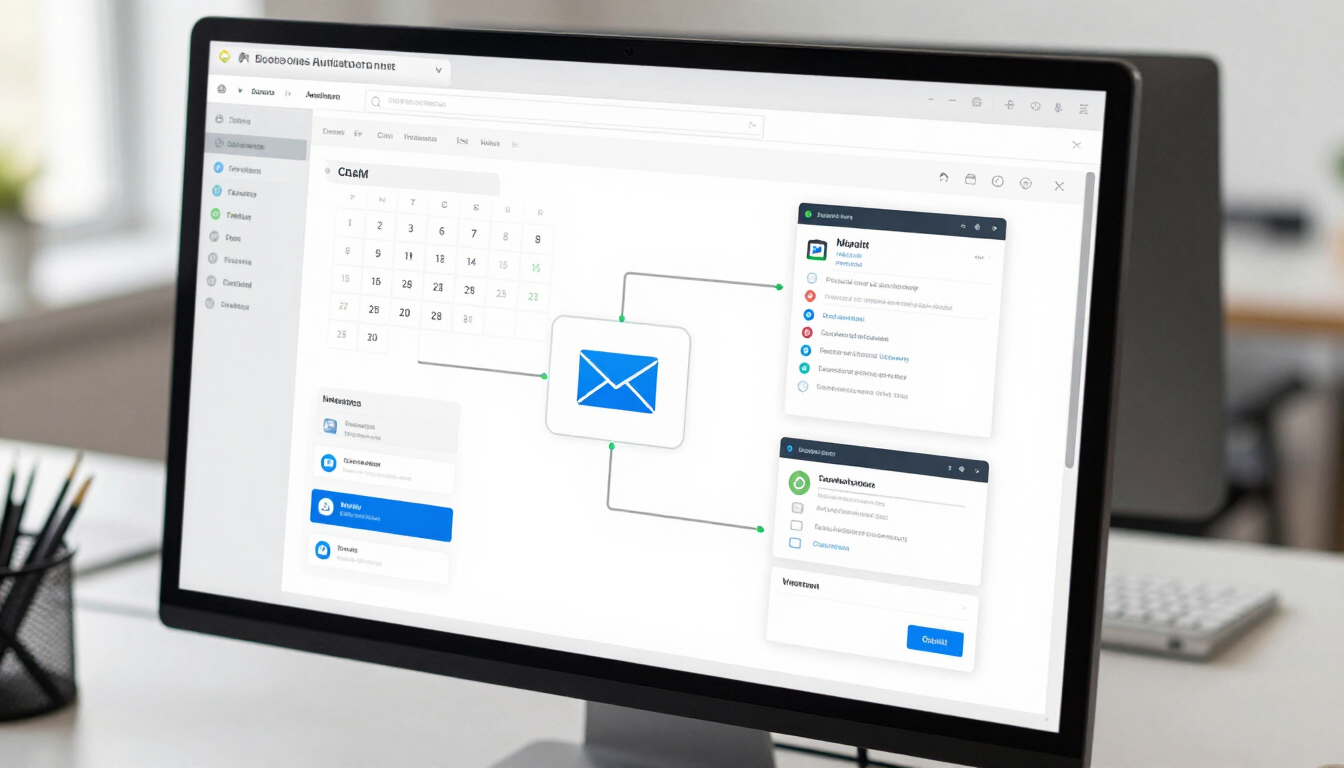

5 AI Automation Solutions for Small Businesses
AI automation solutions for small businesses use software to handle repetitive tasks, respond to customers, organize information, and connect everyday tools. They can help owners save time, follow up more consistently, and deliver a smoother customer experience without hiring technical staff or building every process from scratch.
What Can AI Automation Do for a Small Business?
AI automation combines artificial intelligence with business workflows. Instead of asking an employee to complete every step manually, a system can recognize information, make a straightforward decision, and trigger the next action.
For example, when someone submits a contact form, an automated workflow could:
- Add the contact to a CRM
- Send a helpful confirmation email
- Notify the right team member
- Create a follow-up task
- Record the interaction for future reference
The goal is not to remove the human side of a business. The goal is to reduce repetitive administration so owners and employees can spend more time on conversations, service, sales, and decisions that require judgment.
AI automation can support many types of small businesses, including local service companies, retailers, professional practices, restaurants, contractors, and online businesses. The best opportunity is usually a process that happens often, follows a recognizable pattern, and does not require complex human judgment at every step.
5 AI Automation Solutions for Small Businesses
1. AI customer-response systems
AI chatbots and AI phone agents can answer common questions, collect basic details, and guide customers toward the next step. A website chatbot might explain services, share business hours, answer frequently asked questions, or direct visitors to a booking page.
An AI phone agent can be useful when customers call outside business hours or when a small team cannot answer every call immediately. Depending on its design, it may collect a caller’s name and reason for calling, provide approved information, and pass important requests to a person.
These systems should have clear boundaries. They need accurate information, an easy way to reach a human, and regular review. They should not confidently guess when a question involves sensitive, unusual, or high-stakes information.
2. Lead capture and follow-up automation
Many small businesses lose opportunities because a new inquiry is not answered quickly or consistently. Lead automation can connect website forms, email, text messaging, calendars, and a CRM into one workflow.
A practical sequence may:
- Capture a visitor’s contact information
- Send an immediate confirmation
- Ask one useful qualifying question
- Notify the owner or sales team
- Suggest a booking link
- Remind the team if no follow-up is recorded
Automation does not replace a thoughtful sales conversation. It makes sure the conversation has a better chance of happening. Messages should be helpful, relevant, and easy to stop receiving.
3. Scheduling and appointment workflows
Booking automation can reduce back-and-forth emails and make it easier for customers to choose an available time. A connected system can show current availability, send reminders, collect intake information, and update a calendar after a booking.
For a service business, this may connect the website to a booking platform, CRM, payment system, and internal notifications. If an appointment changes, the workflow can send an updated confirmation and keep the relevant systems aligned.
Before automating scheduling, define the rules clearly. Consider service duration, travel time, staff availability, cancellation policies, and what should happen when a customer requests something outside the normal process.
4. Document, email, and data processing
AI tools can help organize information from emails, forms, invoices, notes, and documents. For example, a workflow might identify a customer name, classify a request, summarize a long message, or move selected information into a spreadsheet or CRM.
This is especially useful when information arrives in different formats. Instead of copying details between systems, an automation can prepare the information for review. A person can then confirm important fields before anything consequential happens.
Businesses should be cautious with private or regulated information. Decide what data an AI tool may access, where it is stored, who can review it, and how long it should be retained. Convenience should not come at the expense of responsible data handling.
5. Internal operations and reporting
AI automation can also improve work that customers never see. Examples include task assignment, inventory notifications, review requests, daily summaries, employee onboarding checklists, and recurring reports.
A business owner might receive a short morning summary showing new leads, unanswered inquiries, upcoming appointments, and tasks that need attention. This can make scattered information easier to understand without requiring several manual checks.
Reporting should support decisions rather than create more noise. Start with a small number of useful questions, such as: Which leads need attention? Which appointments are coming up? Which tasks are overdue? Which customer requests appear repeatedly?
How Do You Choose the Right AI Automation?
The right solution depends less on what sounds impressive and more on where work is currently slow, repetitive, or easy to overlook. Begin by listing recurring tasks and evaluating each one against four questions:
- Does the task happen frequently?
- Does it follow a reasonably consistent process?
- Would faster completion improve customer or team experience?
- Can a person review the result when needed?
Prioritize one workflow with a clear starting point and finish line. A simple lead notification may be a better first project than an ambitious system that tries to automate the entire business at once.
It is also important to check whether existing tools can connect. Your website, CRM, calendar, email platform, booking system, payment tools, and internal apps may already support integrations. A custom connection or automation platform such as n8n can help when standard integrations are not enough.
A Practical Implementation Framework
Map the current process
Write down what happens today, including who starts the task, which tools are used, where information is copied, and where delays occur. This often reveals the real problem more clearly than a general request to “add AI.”
Define the desired outcome
Choose an observable result. Examples include fewer manual data entries, faster inquiry acknowledgment, clearer task ownership, or fewer missed reminders. Avoid vague goals such as “use more artificial intelligence.”
Start with a controlled workflow
Build the smallest useful version first. Use approved message templates, limited permissions, and clear escalation rules. For customer-facing systems, provide a human handoff when the automation cannot confidently help.
Test realistic scenarios
Test normal requests, incomplete information, duplicate submissions, wrong answers, cancellations, and unusual questions. Ask the people who actually use the process to review it before launch.
Monitor and improve
Automation is not a set-it-and-forget-it project. Review errors, customer feedback, missed tasks, and changing business rules. Update knowledge sources and messages whenever services, prices, hours, or policies change.
What Are the Benefits and Limitations?
AI automation solutions for small businesses can offer several practical advantages:
- More consistent responses and follow-up
- Less repetitive data entry
- Better visibility into leads and tasks
- Easier scheduling and customer communication
- More time for work that needs human attention
They also have limitations. AI may misunderstand a request, use outdated information, or produce an answer that sounds confident but is incorrect. Integrations can fail, data may be incomplete, and a poorly designed workflow can make a process harder rather than easier.
That is why a reliable implementation includes human oversight, clear instructions, access controls, testing, and a way to pause or correct the workflow. Automation should support accountable business operations—not hide them.
How Much Technical Help Is Needed?
Some automations are accessible through standard software settings. Others require website development, API connections, database design, CRM configuration, or ongoing maintenance. The level of help depends on the number of systems involved and how important the workflow is to daily operations.
A small business may benefit from working with a technology partner when:
- Several disconnected tools must share information
- Customer data needs careful handling
- The process includes custom business rules
- The automation affects sales, scheduling, or service delivery
- The team needs training and ongoing support
Arthur’s Creatives helps businesses connect websites, applications, AI tools, customer communication, and automation through one practical strategy. You can explore the services , learn more about the company , or contact Arthur’s Creatives to discuss a specific workflow.
Frequently Asked Questions
Is AI automation affordable for a small business?
The cost depends on the tools, integrations, design work, and support required. A focused workflow is usually easier to plan than a broad transformation. Start with a process where the time or consistency benefit is clear, then expand based on what you learn.
Will AI automation replace employees?
In most small-business applications, automation is used to assist employees by handling repetitive steps and organizing information. People remain important for judgment, relationships, exceptions, and sensitive decisions.
What should a business automate first?
Start with a frequent, repetitive process that has clear rules and a measurable purpose. Lead notifications, appointment reminders, customer FAQs, and internal task routing are common starting points.
How can a business keep AI responses accurate?
Use approved information, limit the system’s scope, test common and unusual questions, review conversations or outputs, and create a clear human handoff. Update the underlying information whenever the business changes.
Key Takeaways
AI automation solutions for small businesses are most useful when they solve a specific operational problem, such as slow follow-up, repetitive data entry, missed reminders, or disconnected tools. Begin by mapping one process, define the result you want, and choose a workflow that can be tested safely. Keep people involved wherever judgment, privacy, or customer trust matters. Whether you use existing software or need custom website and app connections, the next step is to evaluate your daily processes and select one practical improvement to implement first.